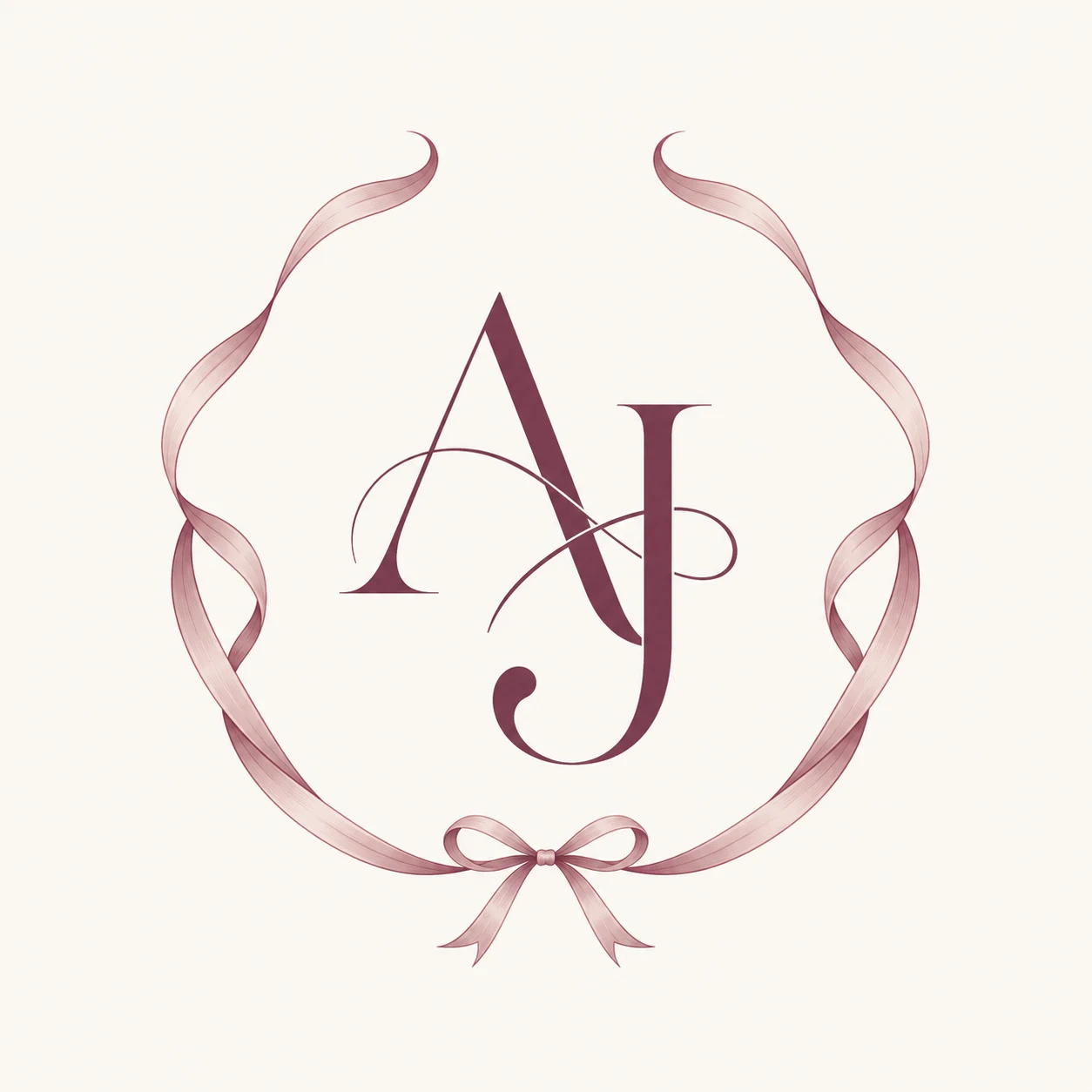
 Start with this crest
Ribbon Vows
A graceful beginning, tied together.
Create a personalized wedding crest with your initials, favorite flowers and meaningful little details.
Free · No sign-up needed to preview and download a watermarked copy.
Sign in for watermark-free PNG/SVG and saved designs.
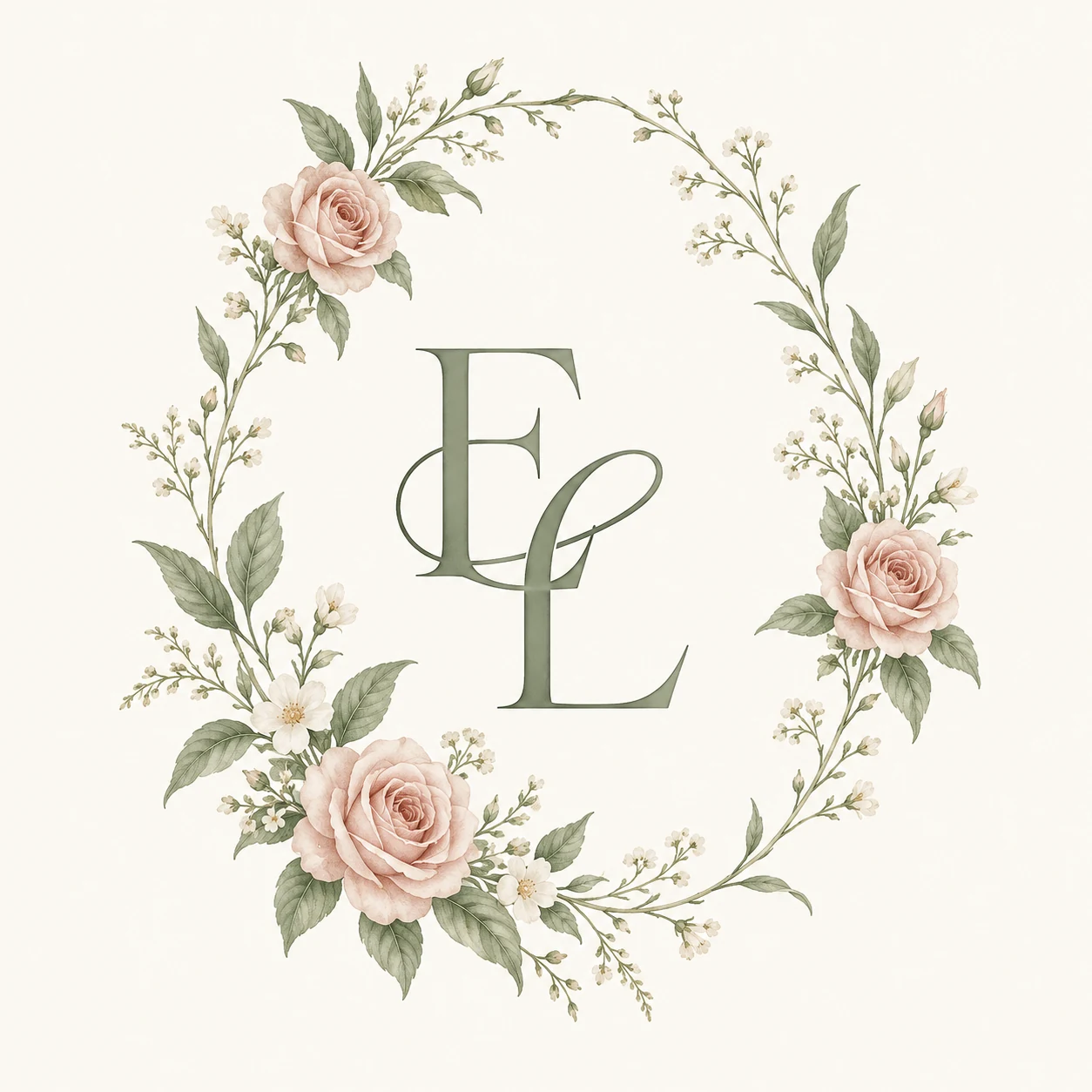
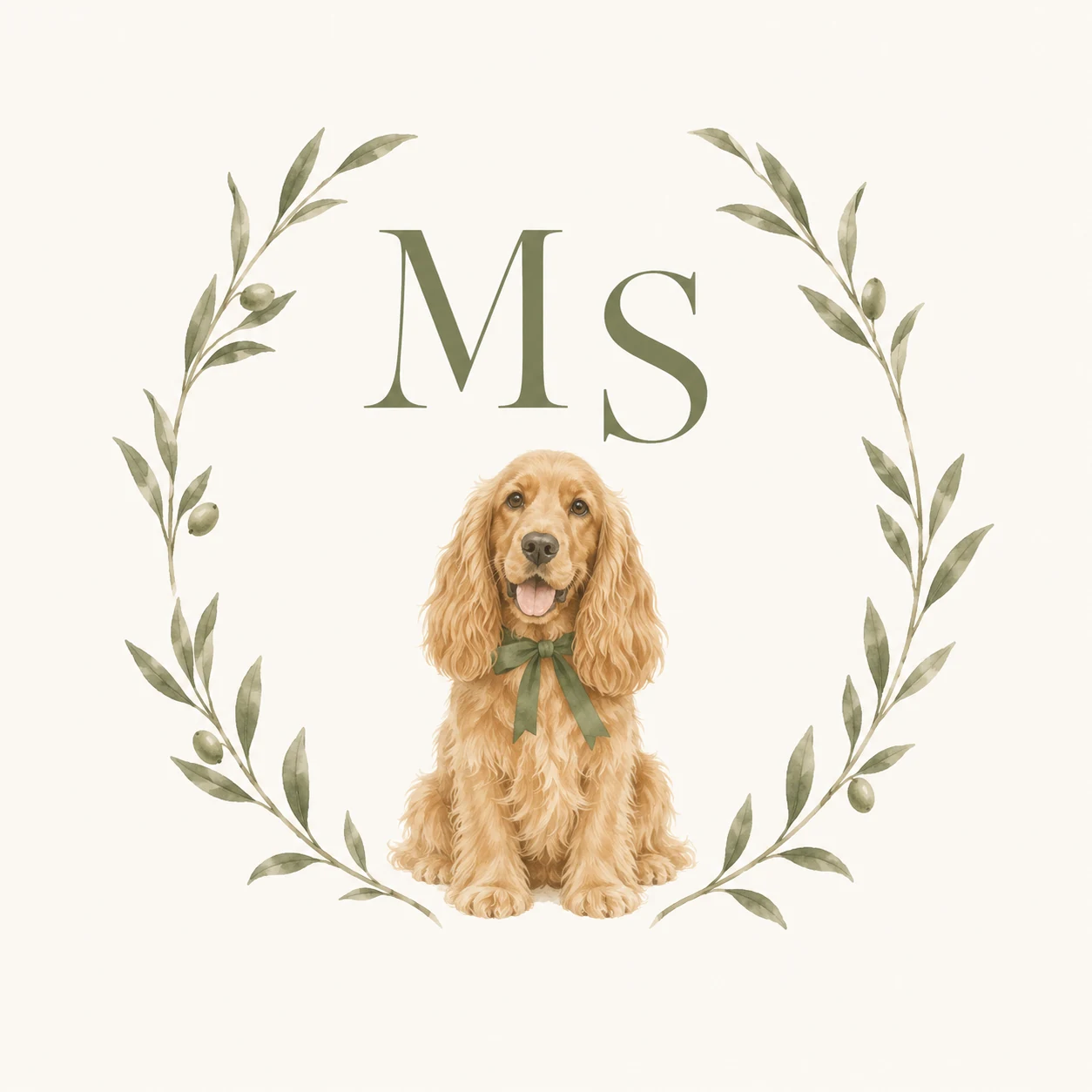
See how our AI wedding crest maker turns a few personal details into artwork you can use on your wedding day.
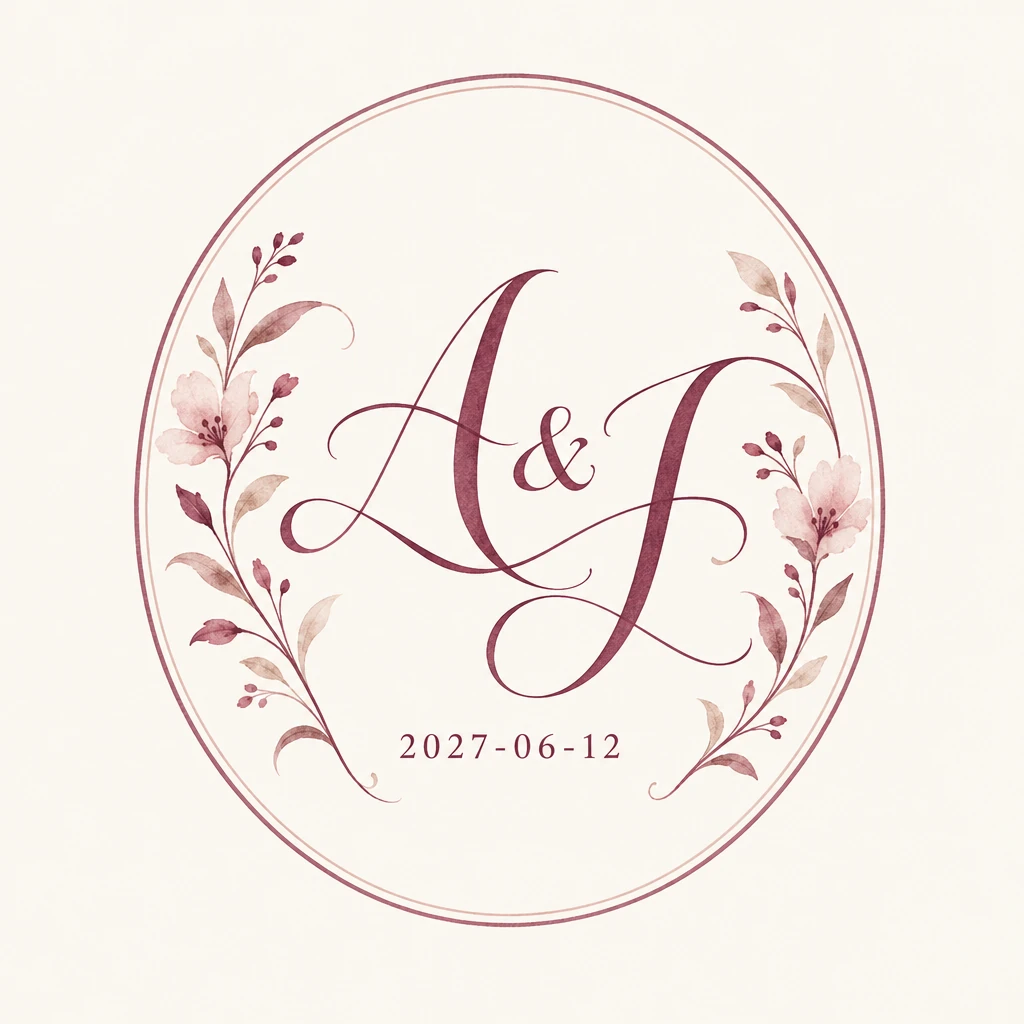
The color palette
Together with their families
Alex & Jamie
invite you to celebrate their wedding
Dinner, dancing & a lifetime of love
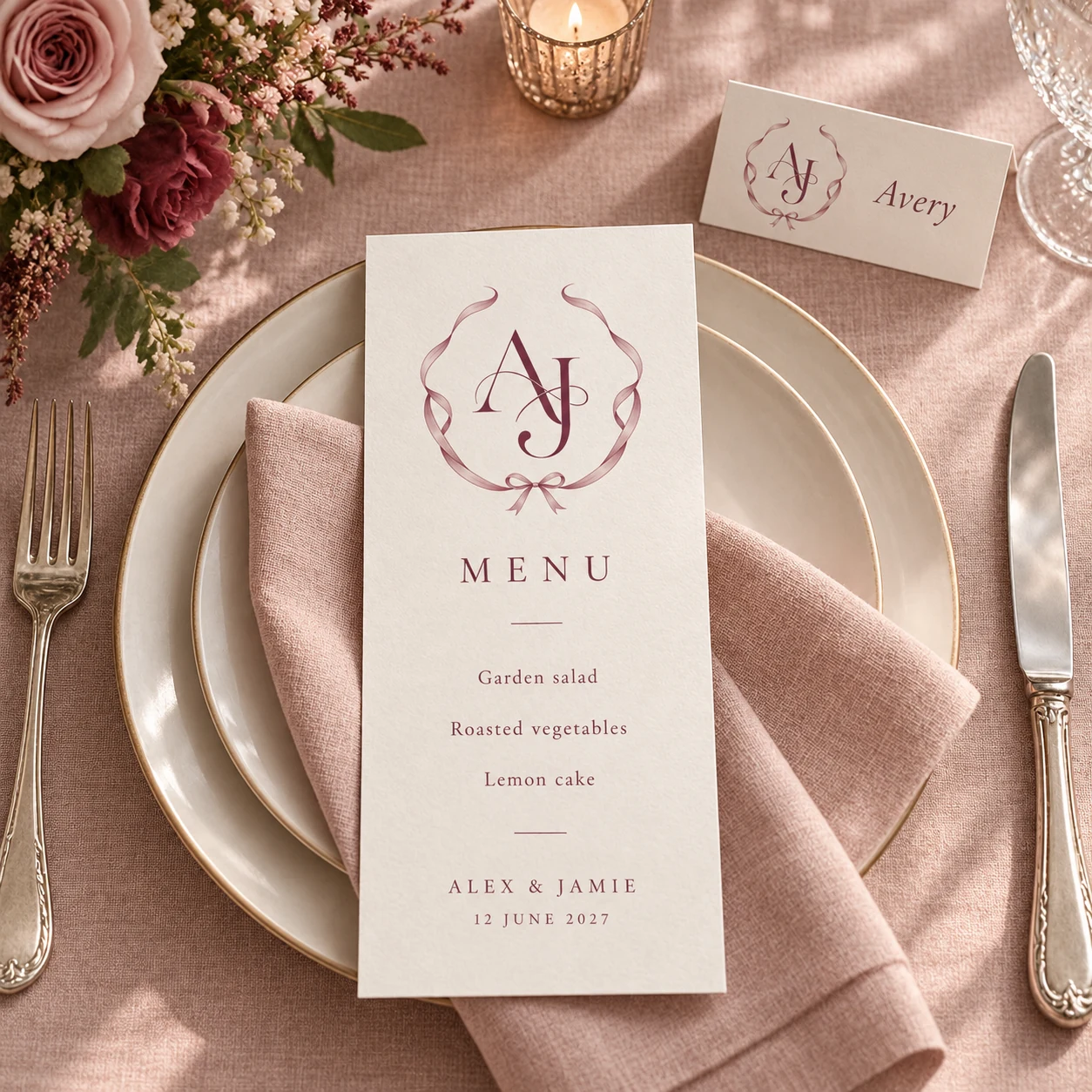
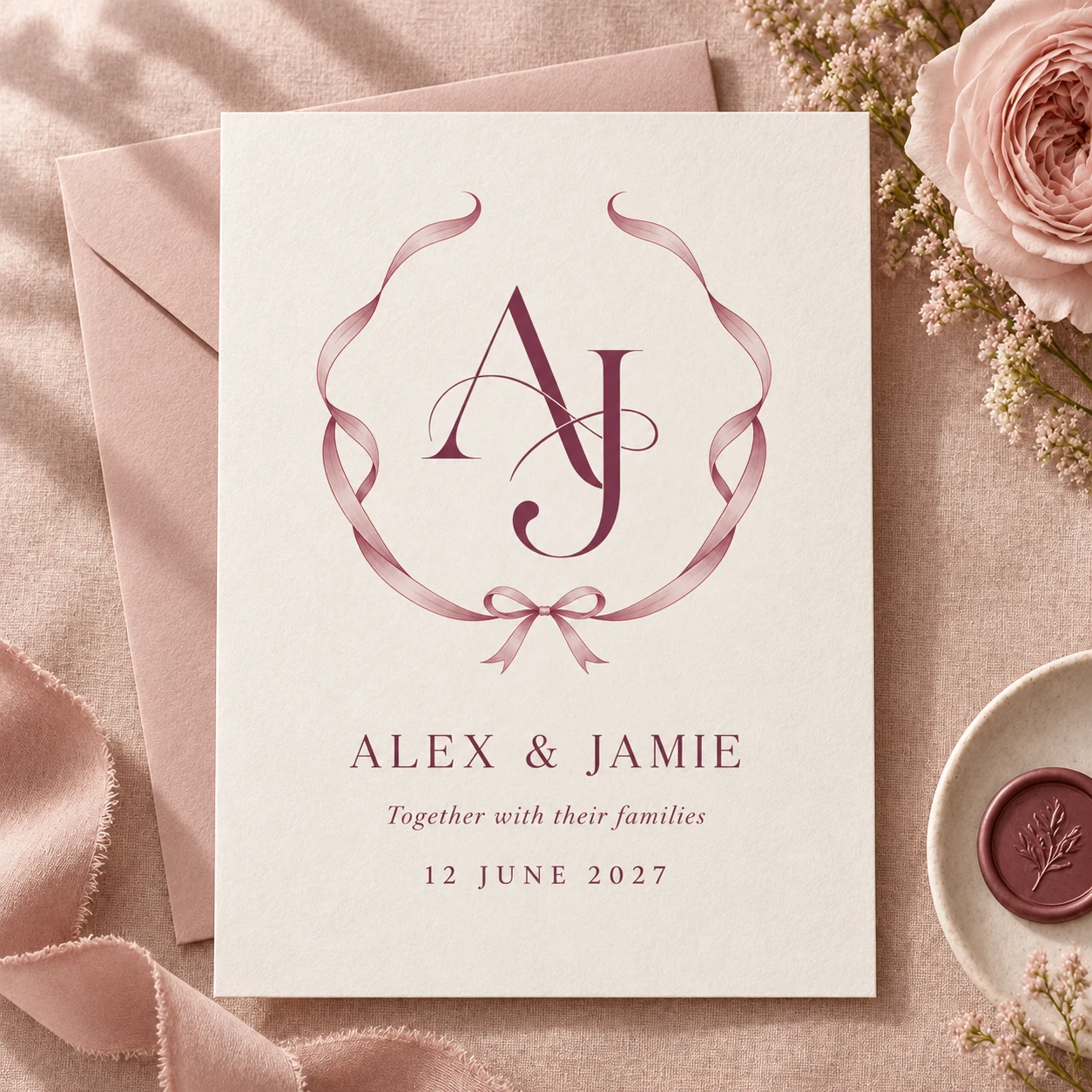
Start with this watercolor style and palette, then add your own names and date.
Download a watermarked preview free without an account. Sign in for watermark-free high-res PNG/SVG. Invitation layout not included.
Choose your names, style, flowers and personal touches.
Preview and download a watermarked copy without an account.
Sign in free to save your design and download watermark-free high-res PNG and SVG artwork.
Explore three styles and imagine your crest on invitations, signs and table details. Paper goods are inspiration, not included downloads.
Start with this crest A graceful beginning, tied together.
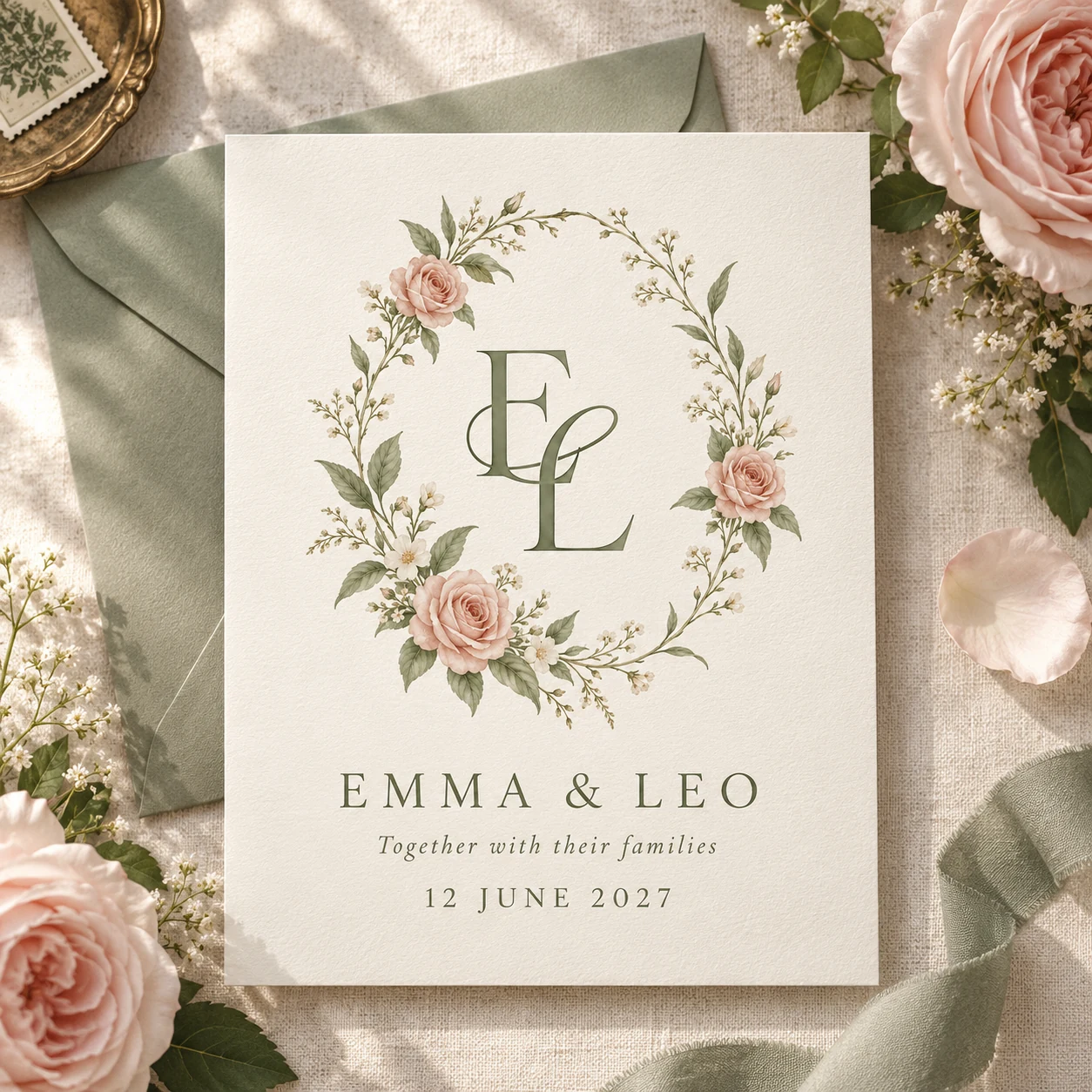 Start with this crest
For a love that keeps growing.
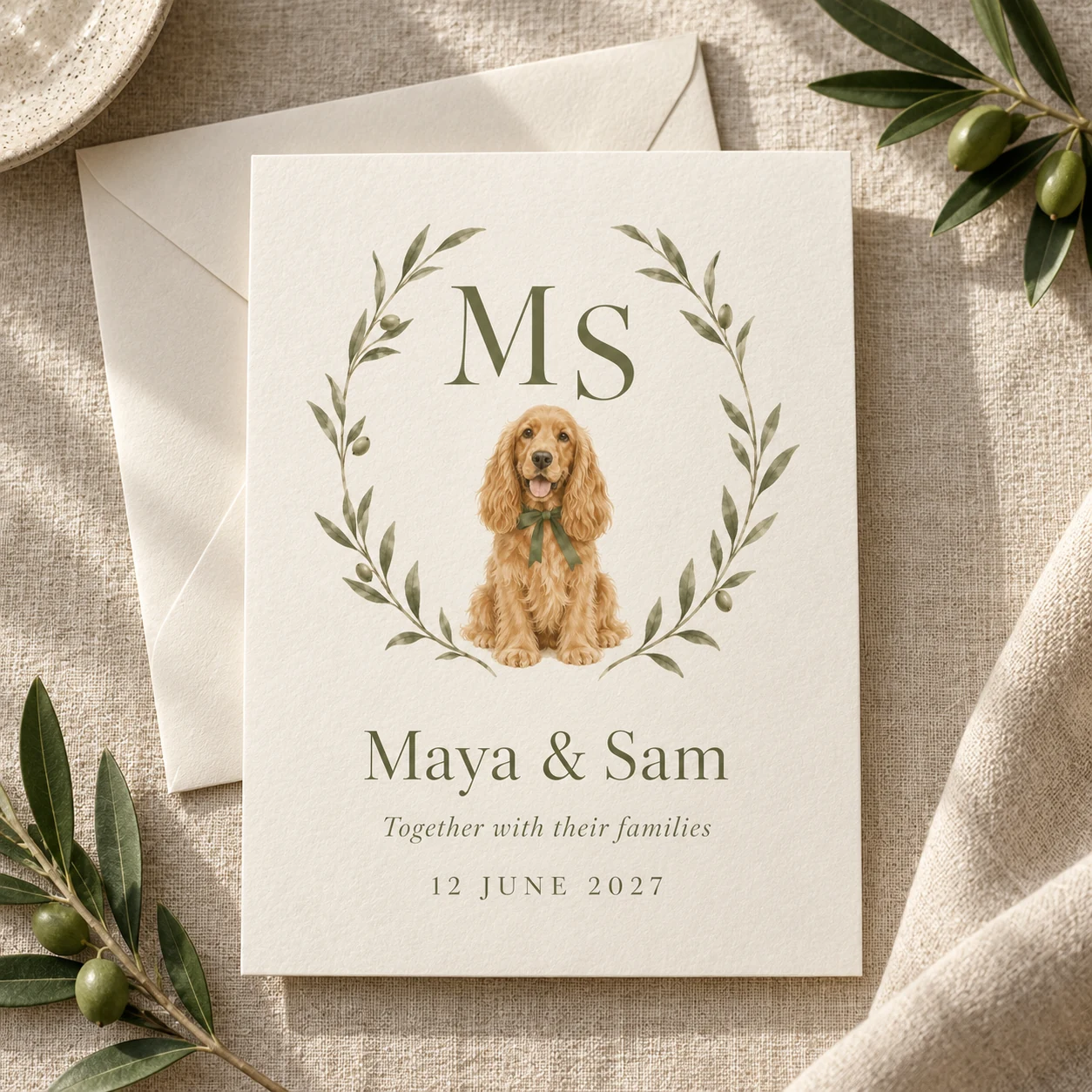 Start with this crest
A place for everyone you love.
Create your crest, free for a limited time. No payment or subscription.
Follow a real example: choose your details, check the lettering, download your artwork and use it in Canva.
A wedding crest brings your names or initials together with flowers, a frame, and meaningful little details. Create one for your wedding and use the artwork across your own wedding materials.
Have an idea in mind? Start creating and choose your details step by step. Need inspiration? Explore designs and start from an example with suggested settings already filled in.
Try one watermarked preview without signing in. Register or sign in to save it and download the same image without a watermark, free for a limited time. Your guest preview counts toward your account allowance. Downloads do not use another preview. There is no checkout, card or subscription, and no automatic charge when the free offer ends.
Yes. Sign in to save your design and download a watermark-free PNG or a vector-traced SVG. Both retain the artwork’s background. SVG lettering is made of shapes, not editable text. Check small details against the PNG before printing. Downloads do not use another preview.
AI generates the lettering and artwork together as one image. Names and dates cannot be edited in a finished image. To change them, create a new design with an updated brief; generating it uses one preview. Please check the lettering before downloading.
Describe personal touches in the creator to guide the generated artwork. Reference photos stay in your browser and are not sent to the image model, so the result will not reproduce an uploaded photo.
Yes. Before signing in, use My designs in the same browser to return to your guest preview. Sign in to save completed designs to your account and access them on another device. Unsubmitted drafts and reference photos stay in the browser where you added them.