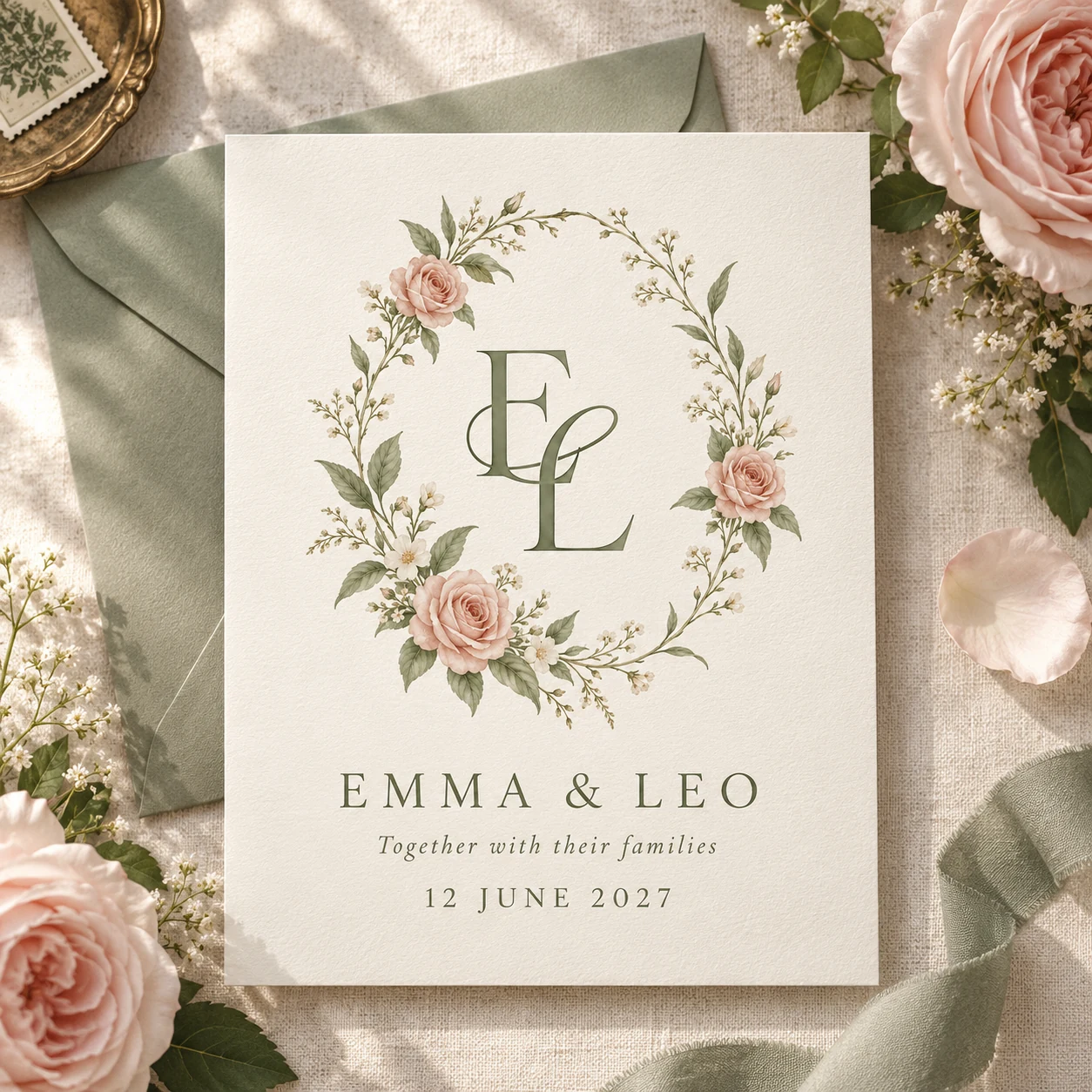
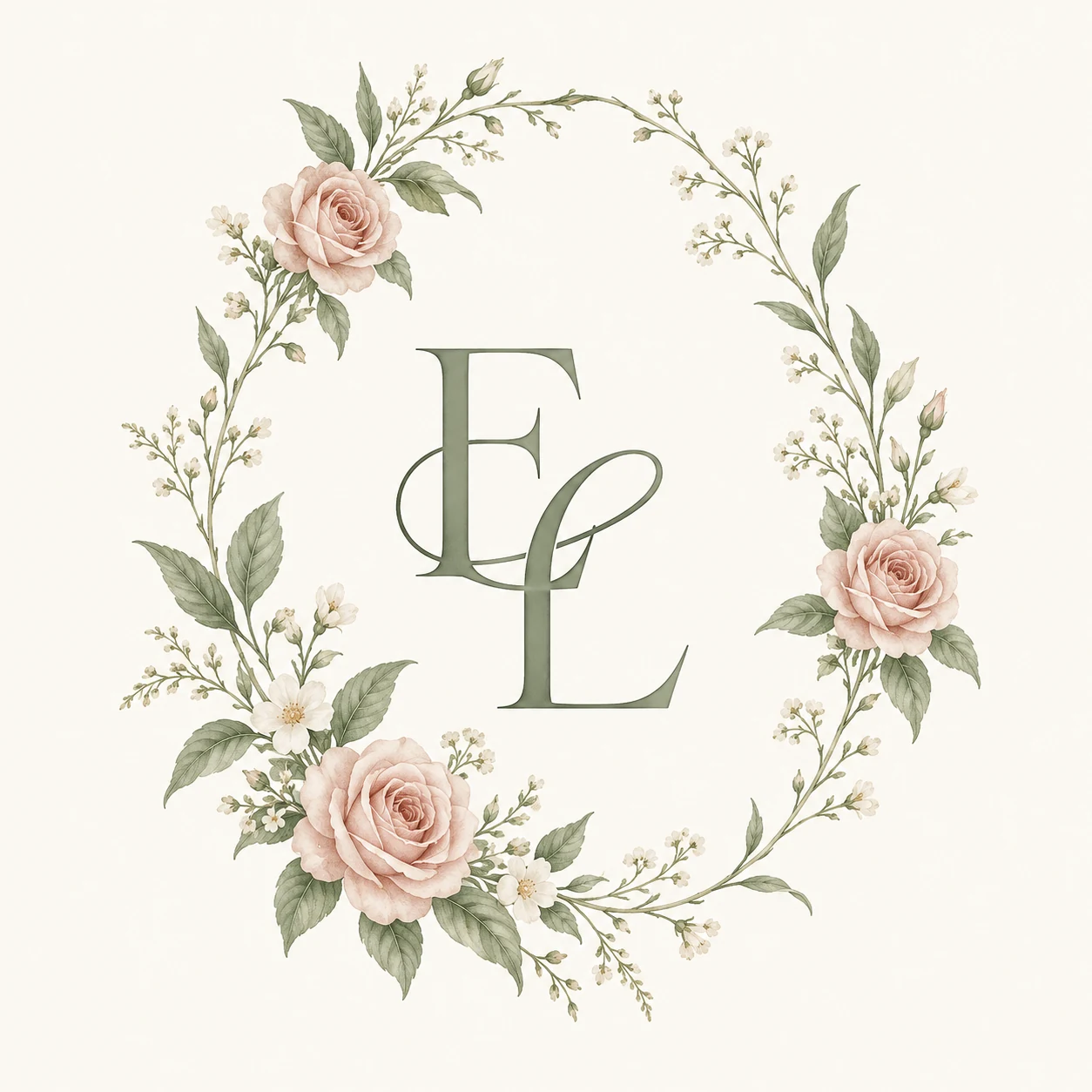
 Start with this crest
Garden Vows
For a love that keeps growing.
A graceful beginning, tied together.
Personalize your crestDownload a watermarked preview without an account. Sign in for watermark-free high-res PNG/SVG. Stationery scenes are inspiration, not downloadable templates or print-ready files.
Flowing ribbons frame two initials in berry and dusty rose. This wedding monogram pairs a decorative bow with open space, a starting point for a city celebration or a quietly romantic wedding.
The ribbon gives the monogram its frame. Keep extra motifs sparse so the two letters remain the focus, especially when the crest sits above invitation text.
Use the deeper berry tone for contrast, dusty rose for softness and warm ivory around the artwork. A quiet background helps the ribbon folds and fine lettering stay visible.
An intertwined monogram can look different on a place card. View your downloaded crest at the intended size and check that the letters remain distinct from the bow and flourishes.
Place the monogram above your names with generous space around the ribbon. Keep the invitation wording in your layout editor so you can adjust type and spacing independently.
Use the crest as an accent above a separate welcome message. Before ordering a large sign, check the artwork at its final size with your printer.
Repeat a small crest on a menu or place card. Use the berry tone for nearby text, and leave enough space for guest names without crowding the bow.
Start with the Ribbon Vows direction, then add your initials and adjust the palette, border and detail level in the creator. The reference guides a new AI design; it is not a fixed template with replaceable letters.
Check each initial and the fine ribbon lines before saving. If the lettering is wrong, revise your brief and generate again; letters are part of the artwork, not editable text.
Personalize your crestDownload a watermarked preview without an account. Sign in to save and get watermark-free high-res PNG/SVG. PNG keeps the artwork and its background. SVG traces it into vector shapes; it does not make the lettering editable or automatically remove the background. Compare fine details with the PNG before printing.
Place your crest in a layout editor such as Canva and add your own wording. Check the final size and your printer’s requirements before ordering stationery.
Follow the crest & stationery guideStart with this crest For a love that keeps growing.
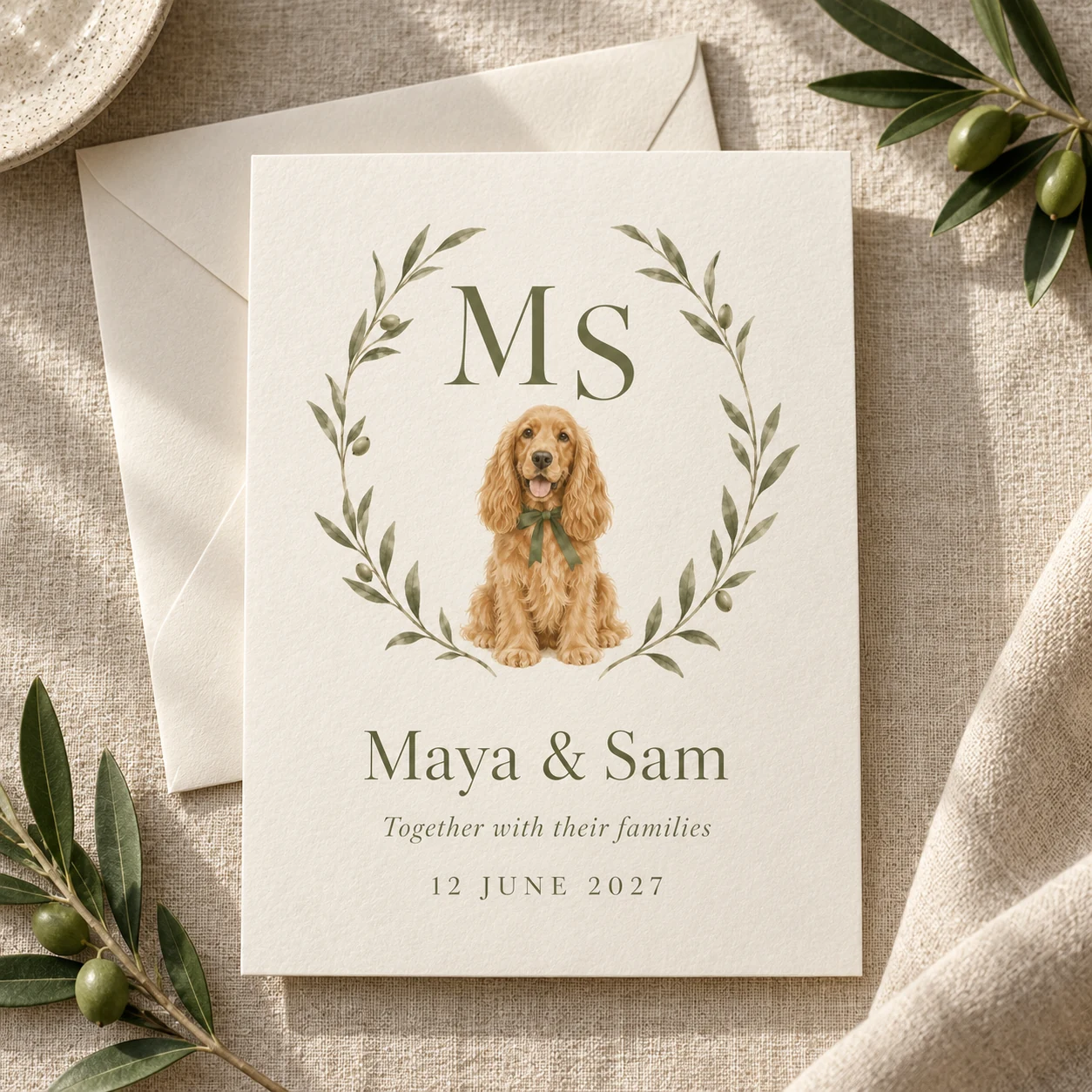
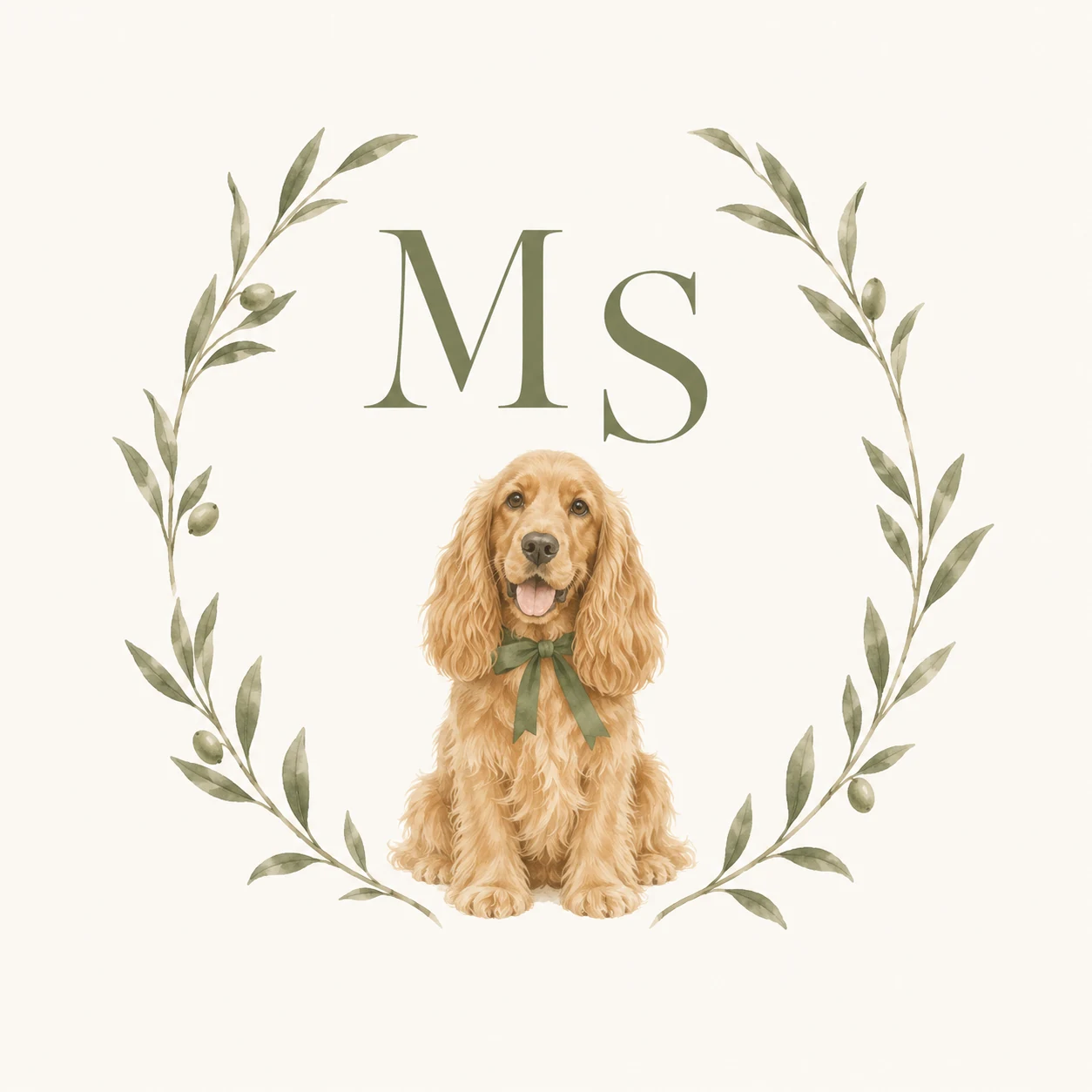 Start with this crest
A place for everyone you love.