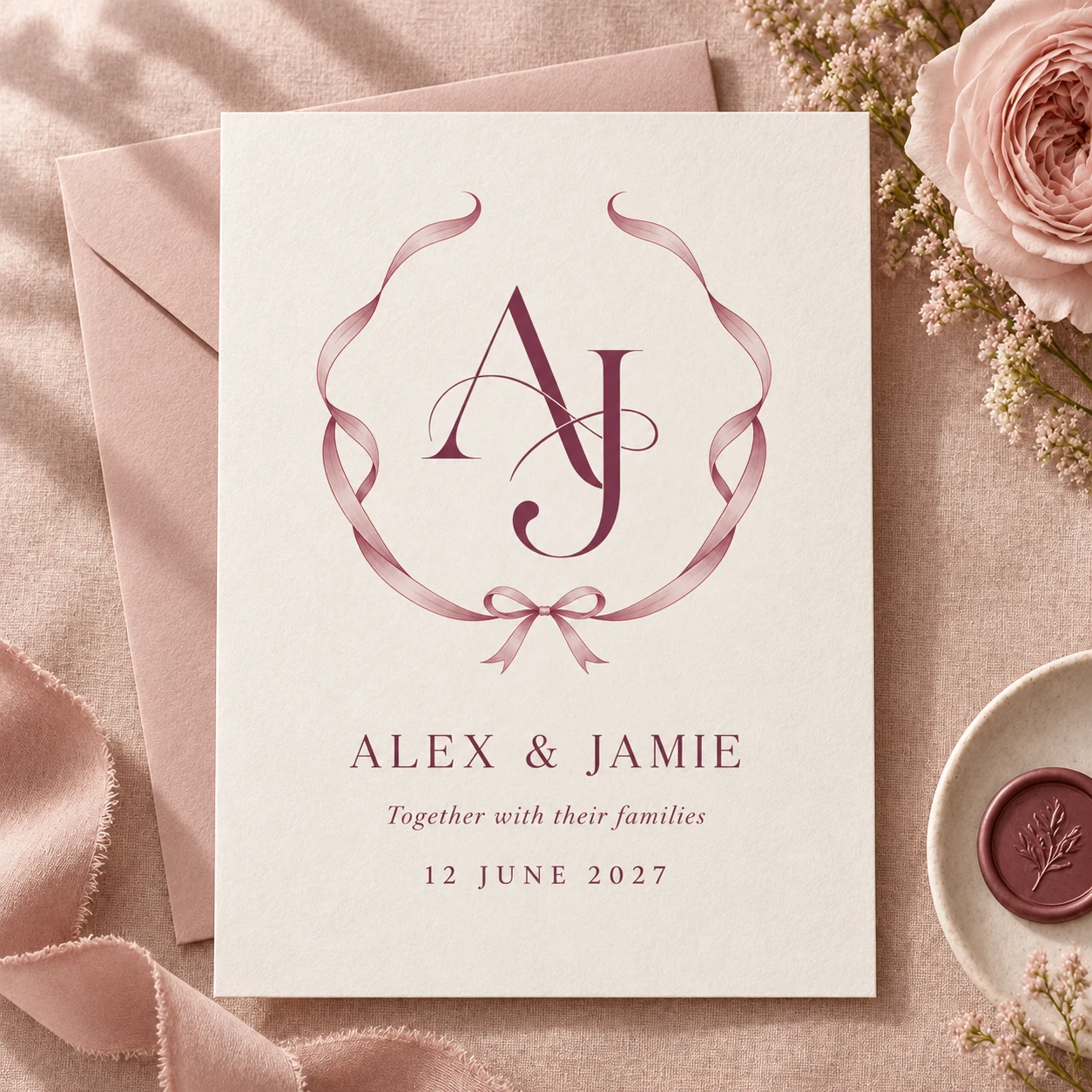
 Start with this crest
Ribbon Vows
A graceful beginning, tied together.
For a love that keeps growing.
Personalize your crestDownload a watermarked preview without an account. Sign in for watermark-free high-res PNG/SVG. Stationery scenes are inspiration, not downloadable templates or print-ready files.
Roses and wildflowers surround two initials in an airy watercolor wreath. Sage leaves, blush petals and warm ivory make this floral wedding crest a starting point for a garden ceremony or countryside celebration.
Rose and Wildflower are the starting choices. In the creator, choose flowers that echo your bouquet or setting, keeping a small selection so each shape has space in the wreath.
Sage gives the wreath its structure while blush brings warmth. Carry one of these colors into surrounding stationery, leaving an ivory area so pale watercolor details are easy to see.
The initials need breathing room inside the flowers. Review how leaves meet the lettering; for smaller uses, try fewer details if petals or stems make the monogram hard to read.
Center the floral crest above the invitation wording. Leave a clear margin around the outer leaves and use a simple text layout to balance the detailed wreath.
Pair the wreath with a separate welcome message and names. Check pale petals and fine stems at the planned sign size; the scene here is a styling idea, not a sign file.
Bring the sage-and-blush palette onto menus or table cards. Keep the crest large enough for the flowers to read, and avoid placing small text over the watercolor leaves.
Start with Garden Vows to bring its palette, oval border and flower choices into the creator. Add your initials, then adjust flowers and detail level for your celebration. Each AI result is a new interpretation of the reference.
Check spelling, the space around the initials and delicate stems before saving. If flowers overlap important lettering, simplify the brief and generate again; the artwork has no editable text layers.
Personalize your crestDownload a watermarked preview without an account. Sign in to save and get watermark-free high-res PNG/SVG. PNG keeps the artwork and its background. SVG traces it into vector shapes; it does not make the lettering editable or automatically remove the background. Compare fine details with the PNG before printing.
Place your crest in a layout editor such as Canva and add your own wording. Check the final size and your printer’s requirements before ordering stationery.
Follow the crest & stationery guideStart with this crest A graceful beginning, tied together.
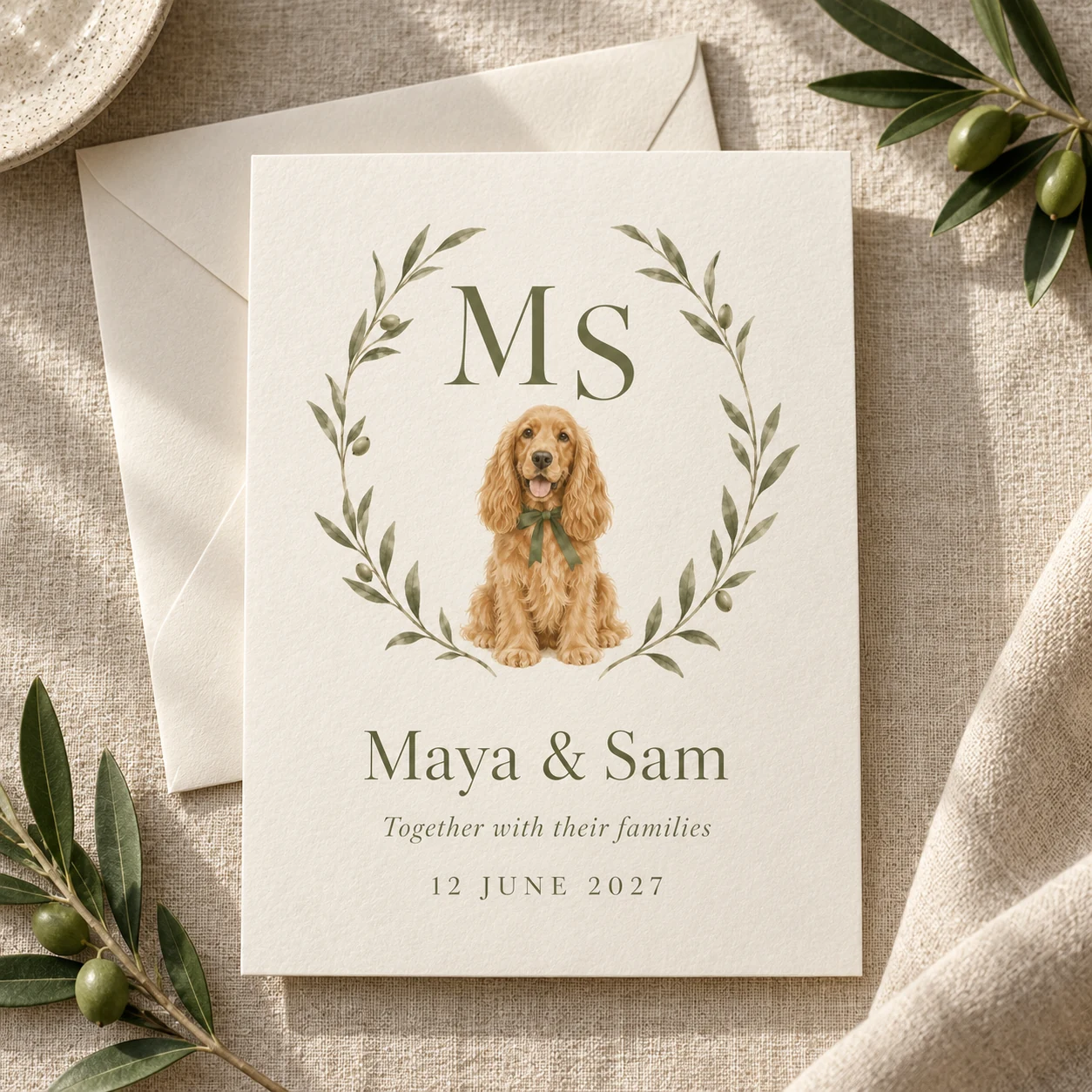
 Start with this crest
A place for everyone you love.